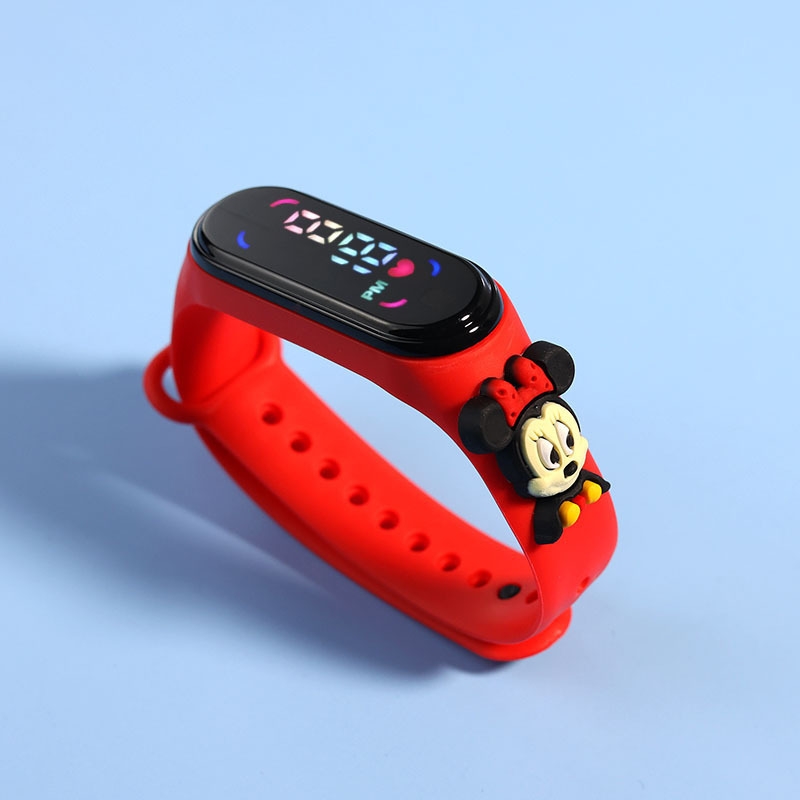
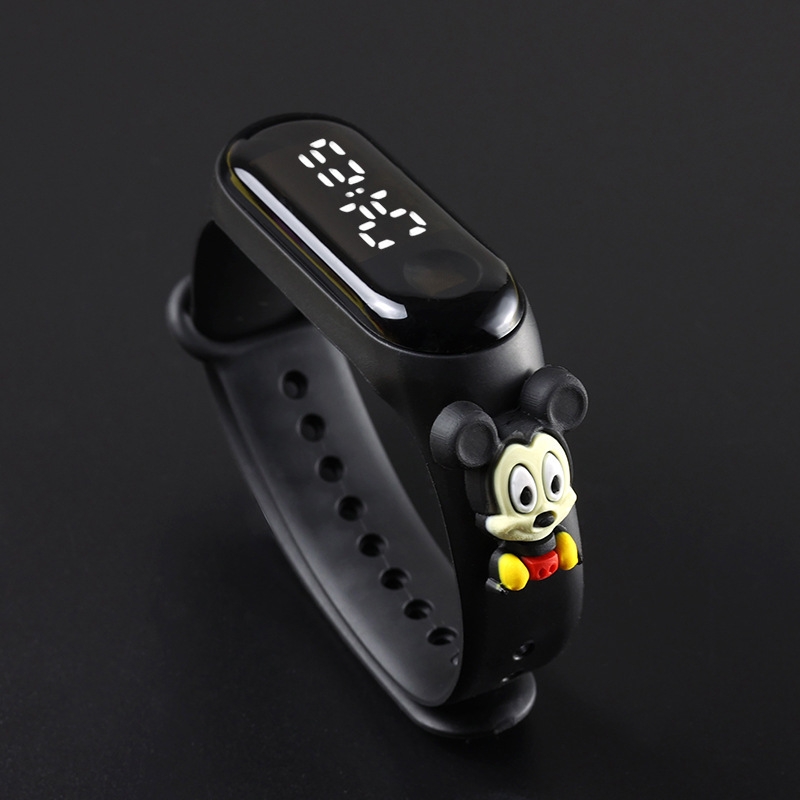
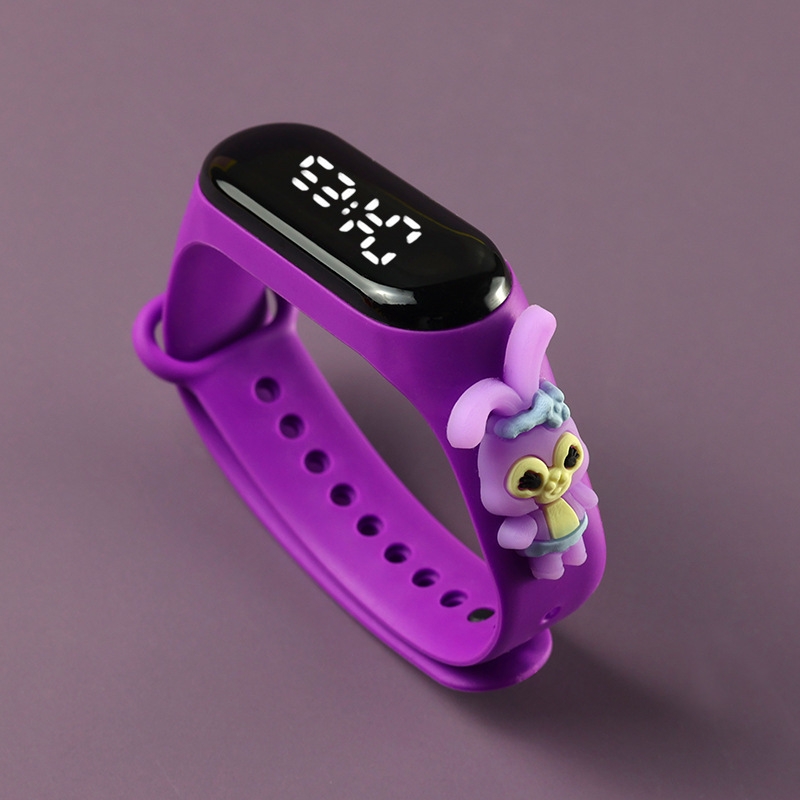
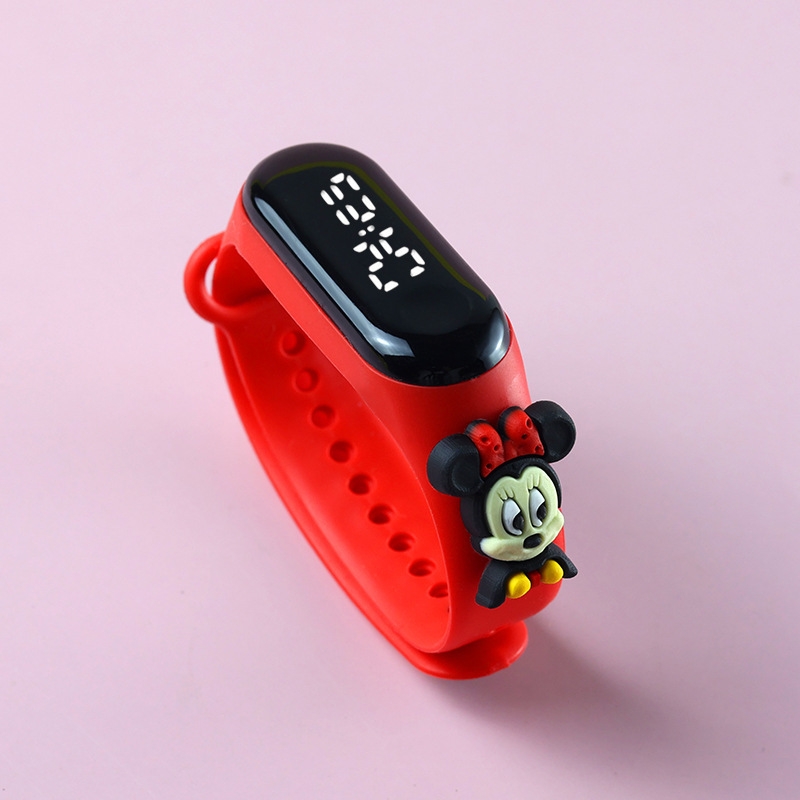
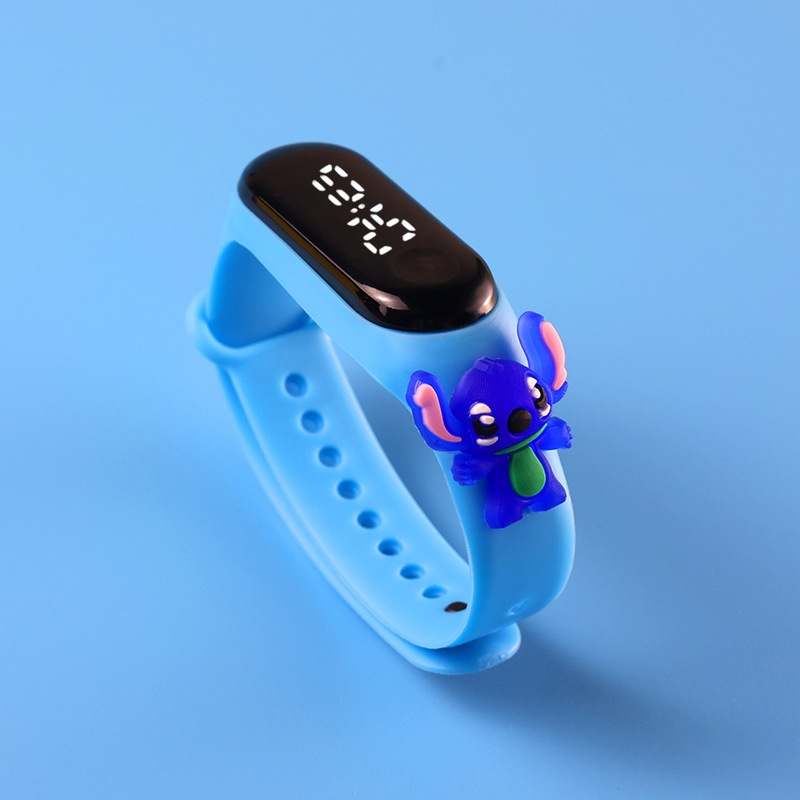
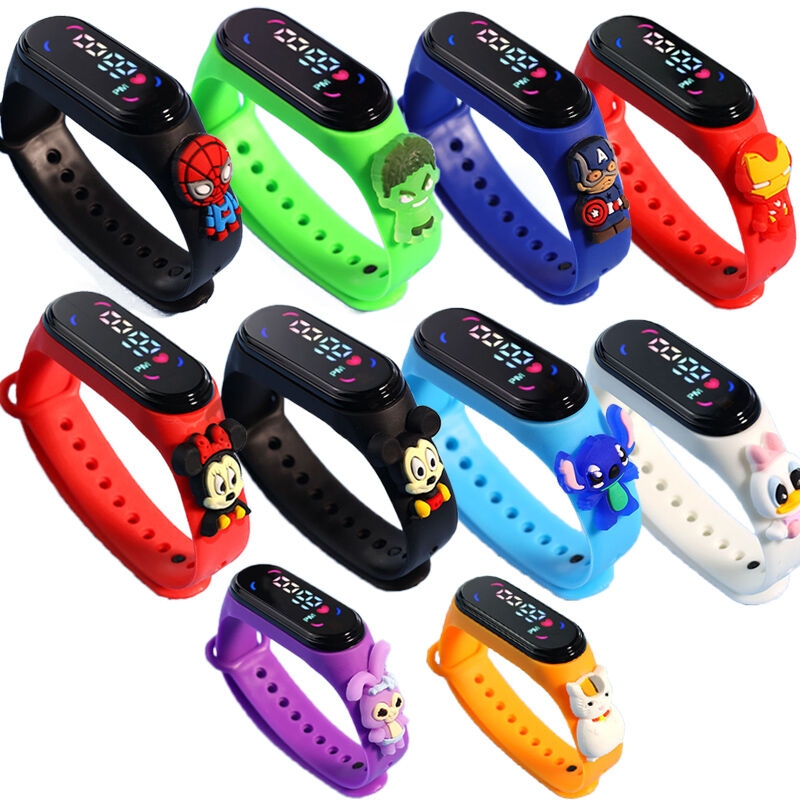
HomeFashionWatches & SunglassesUnisex WatchesBracelet StrapKids Navy Blue Donald Duck LED Watch - Cartoon Digital Wristband for Boys Girls
Fashion Kids Navy Blue Donald Duck LED Watch - Cartoon Digital Wristband for Boys Girls

Share this product

Kids Navy Blue Donald Duck LED Watch - Cartoon Digital Wristband for Boys Girls

GH₵ 9
GH₵ 3474%
Not deliverable to Tema

Currently Out of Stock

Delivery & Returns

Not deliverable to that location

Please choose another location.

Return Policy

Free return within 15 days for all eligible items.Details

Seller Information

Jumia

100%Seller Score

Product details

Electronic watch activation: pull out the insulating tab → long-press the button for 5–10 seconds to wake it up; built-in button cell battery, normal use lasts 6–12 months.

1. Function overview

①. LED display time, month, day, second 

②.  Automatic calendar, 12 hour system, single key operation

③.  Power saving mode, no action in 3 seconds, the screen display on their own off screen

2. Mode selection

①.  Click the start button to start the

②、Click on the button to watch (time / minute), date mode (month/day), second 

③、 Note: the small dots in front of the hour show the "PM" period.  

①、In the time display, hold down the button for 3 seconds to enter the setting mode, the "clock" number flashing, "clock" number flashing, release the button, press the button, debug the current value, the clock is adjusted 

②.  Continue to press the button 3 seconds flashing, minutes flashing, release the button, press the button to debug the current value, after a good tun.3. Data set

③.  Continue to press the button 3 seconds, "Y00" (Y) on behalf of the number of flashing, release the button, press the button to debug the current value, the year after the tune
Specifications

Key Features

  • 1. Function overview
  • ①. LED display time, month, day, second 
  • ②.  Automatic calendar, 12 hour system, single key operation
  • ③.  Power saving mode, no action in 3 seconds, the screen display on their own off screen
  • 2. Mode selection
  • ①.  Click the start button to start the
  • ②、Click on the button to watch (time / minute), date mode (month/day), second 
  • ③、 Note: the small dots in front of the hour show the "PM" period.  
  • ①、In the time display, hold down the button for 3 seconds to enter the setting mode, the "clock" number flashing, "clock" number flashing, release the button, press the button, debug the current value, the clock is adjusted 
  • ②.  Continue to press the button 3 seconds flashing, minutes flashing, release the button, press the button to debug the current value, after a good tun.3. Data set
  • ③.  Continue to press the button 3 seconds, "Y00" (Y) on behalf of the number of flashing, release the button, press the button to debug the current value, the year after the tune
What’s in the box

1 x Children's Electronic Watch Student LED Cartoon Wristband Donald Duck - Blue

Specifications

  • SKU: FA114FC54VW9ONAFAMZ

Verified Customer Feedback

See All

Verified Ratings (3)

3.3/5
3.3 out of 5

3 verified ratings

Comments from Verified Purchases (2)

5 out of 5

SOLID

Very nice and quality

30-09-2026by Christian
Verified Purchase
1 out of 5

Pls next time verify it to see whether it works

It wasn’t working oo

11-05-2026by Money Gyesi
Verified Purchase
Kids Navy Blue Donald Duck LED Watch - Cartoon Digital Wristband for Boys Girls

Kids Navy Blue Donald Duck LED Watch - Cartoon Digital Wristband for Boys Girls

GH₵ 9
GH₵ 3474%
Questions about this product?

Recently Viewed

See All