This website uses cookies
This website uses cookies. For further information on how we use cookies you can read our Privacy and Cookie notice

This website uses cookies. For further information on how we use cookies you can read our Privacy and Cookie notice
/product/93/9475003/1.jpg?2328)
Currently Out of Stock

Not deliverable to that location
Please choose another location.
Free return within 15 days for all eligible items.Details
Jumia
100%Seller Score
!!!After months of long-distance transportation, the factory-installed battery of the watch may have been completely drained when it arrives at your hands. Please plug in the charger to get it fully charged once you receive the watch.!!!
1. Function overview
①. LED display time, month, day, second
②. Automatic calendar, 12 hour system, single key operation
③. Power saving mode, no action in 3 seconds, the screen display on their own off screen
2. Mode selection
①. Click the start button to start the
②、Click on the button to watch (time / minute), date mode (month/day), second
③、 Note: the small dots in front of the hour show the "PM" period.
①、In the time display, hold down the button for 3 seconds to enter the setting mode, the "clock" number flashing, "clock" number flashing, release the button, press the button, debug the current value, the clock is adjusted
②. Continue to press the button 3 seconds flashing, minutes flashing, release the button, press the button to debug the current value, after a good tun.3. Data set
③. Continue to press the button 3 seconds, "Y00" (Y) on behalf of the number of flashing, release the button, press the button to debug the current value, the year after the tune
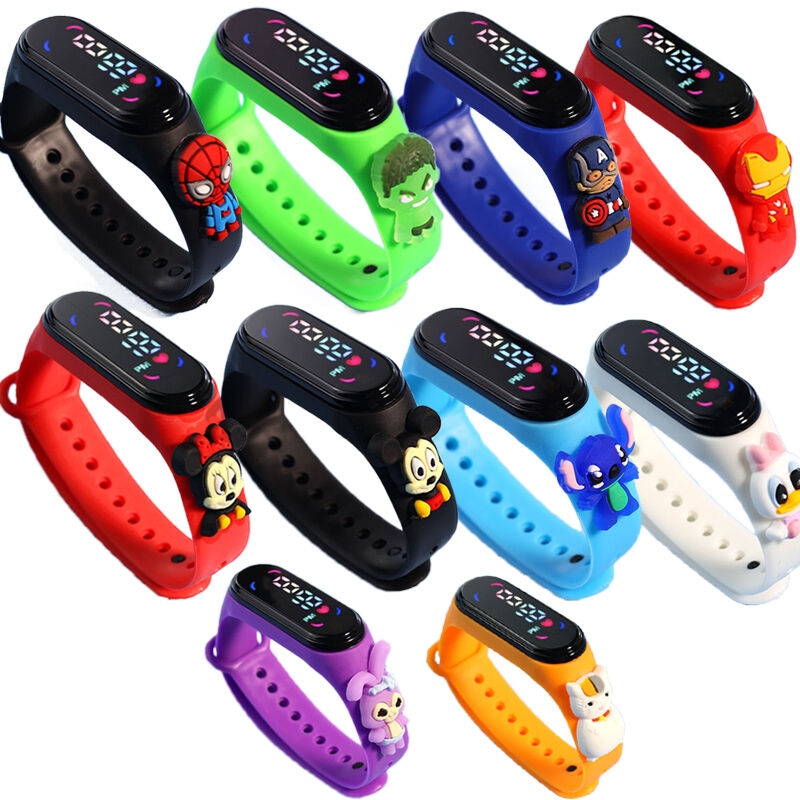
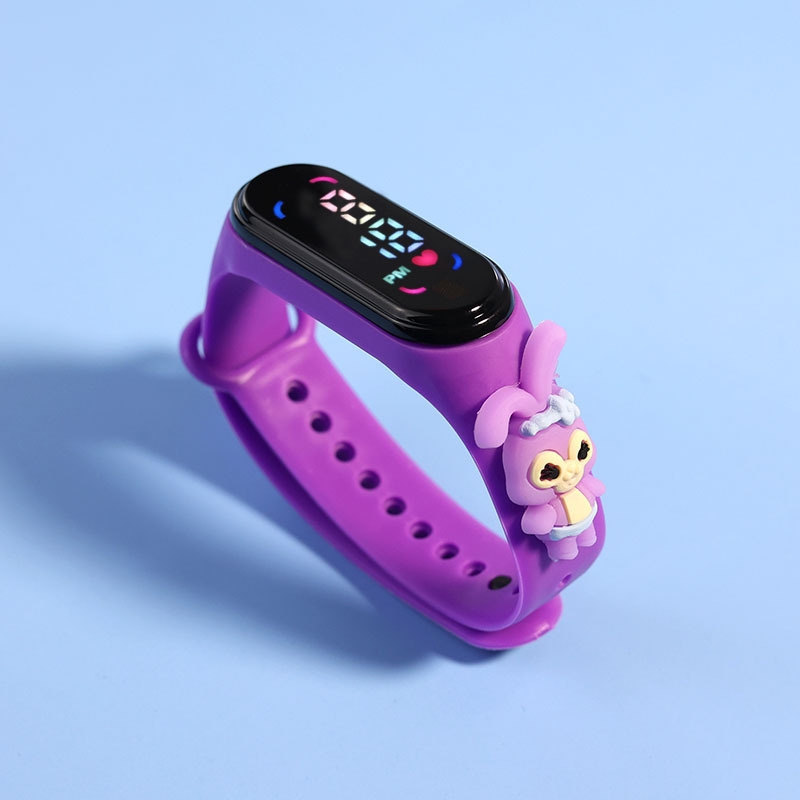
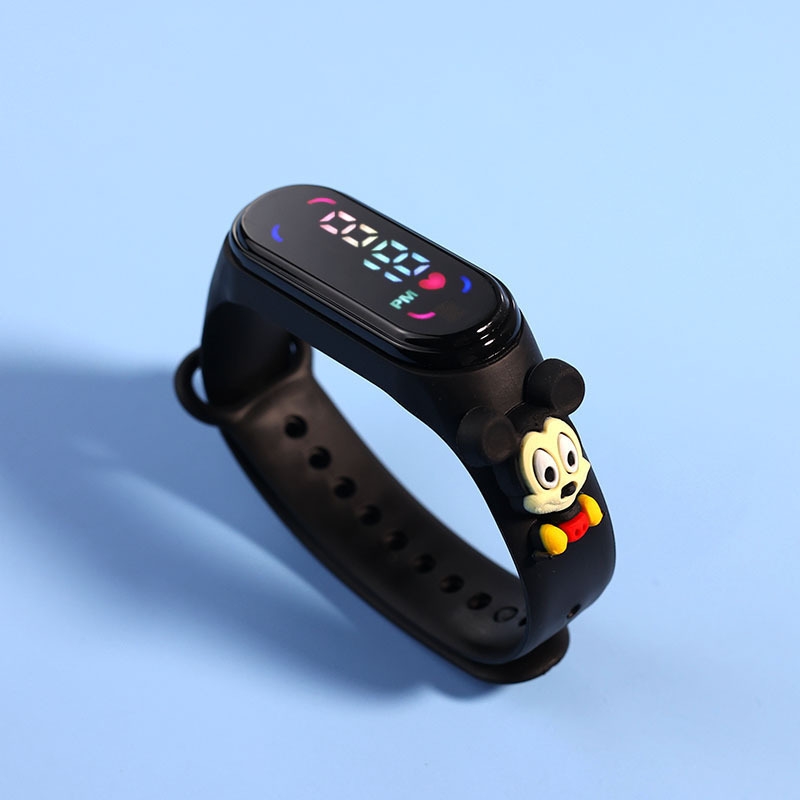
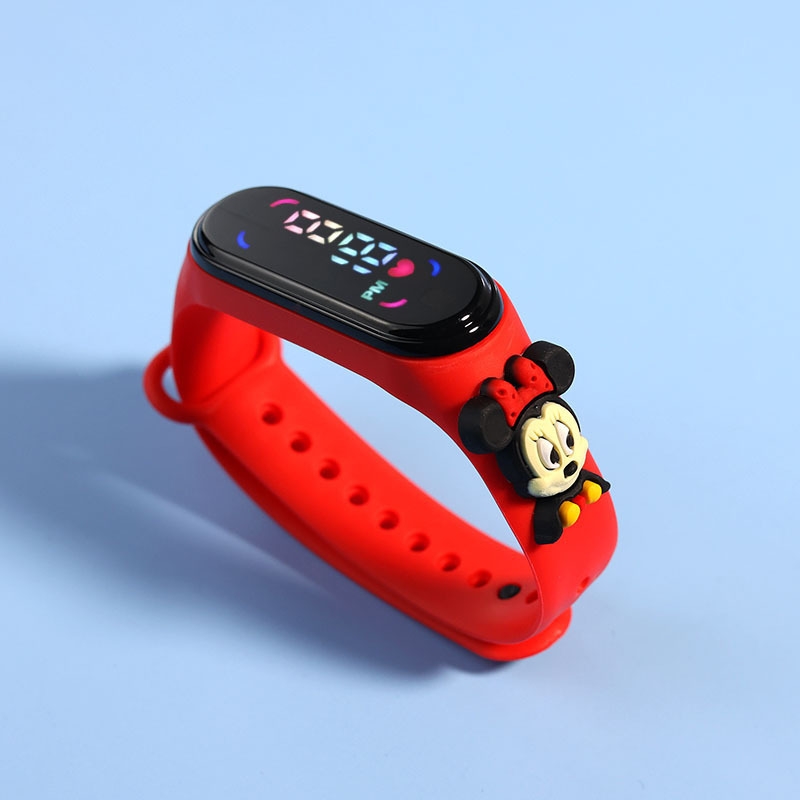
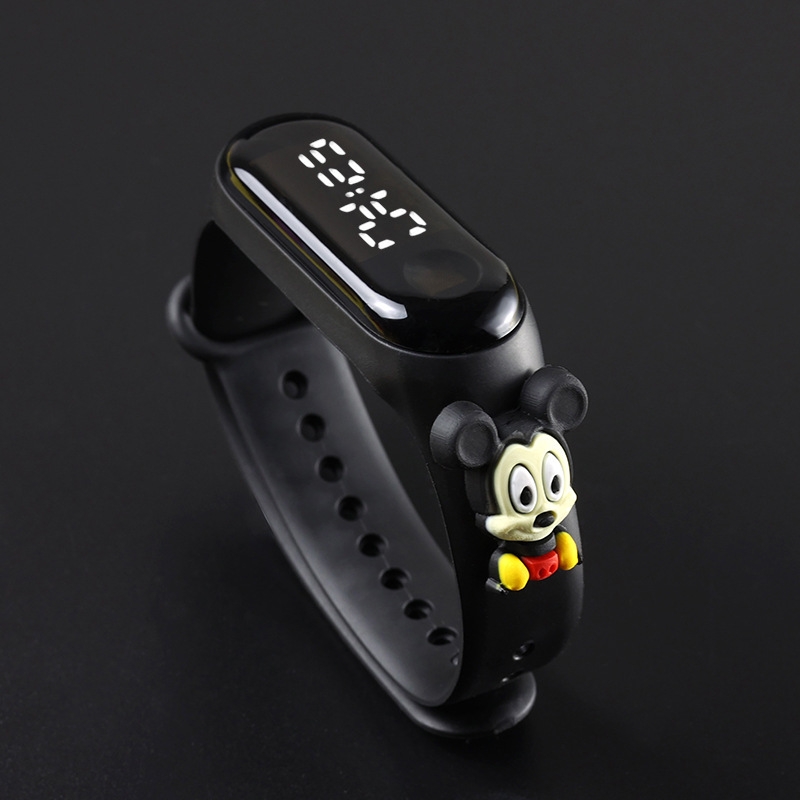
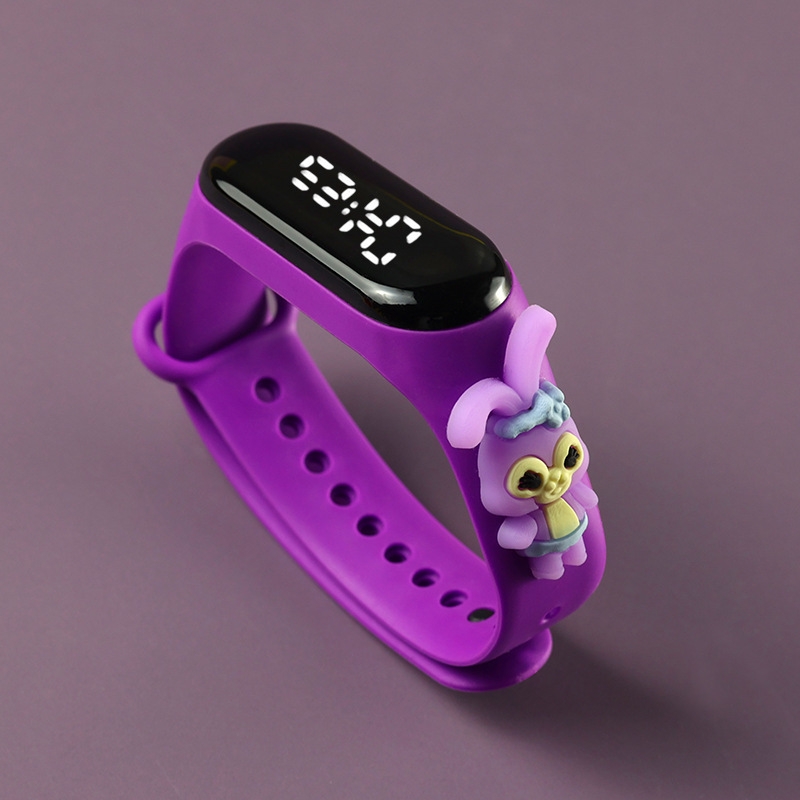
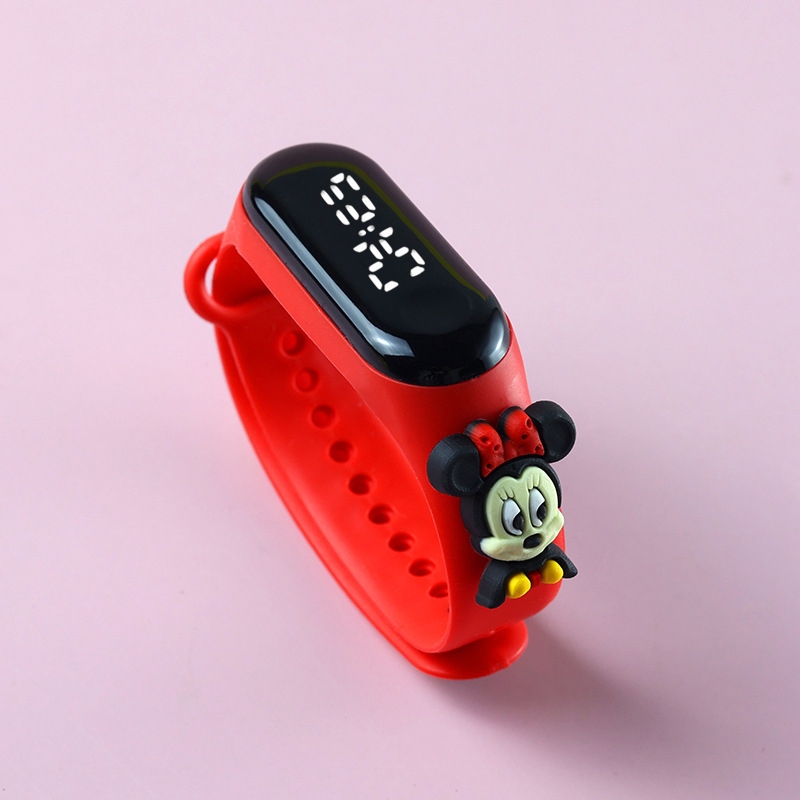
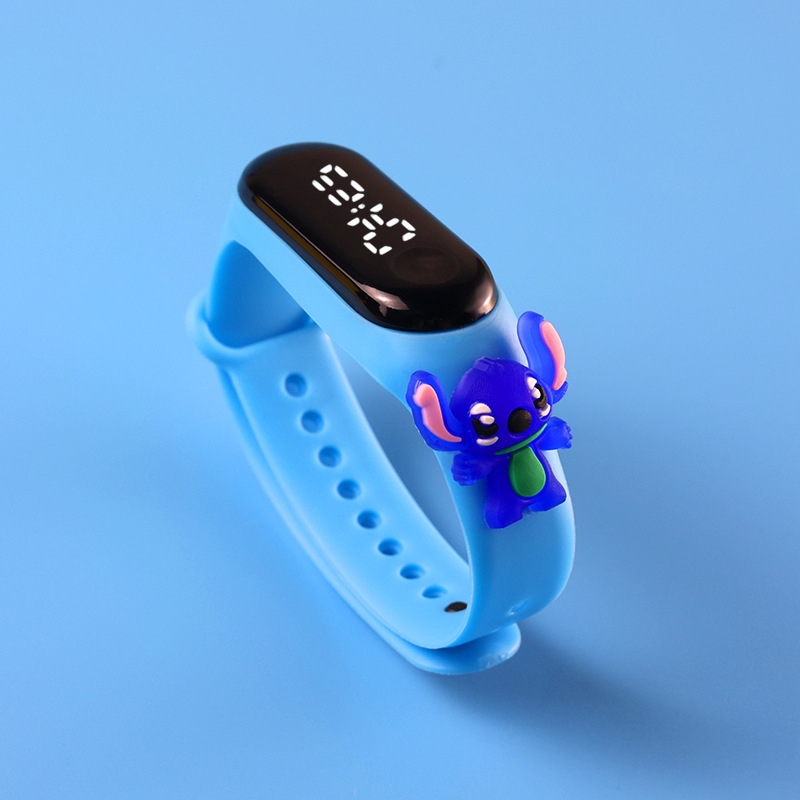
1 x Children's Electronic Watch Student LED Cartoon Wristband Princess - Black
3 verified ratings
Good one
/product/93/9475003/1.jpg?2328)