This website uses cookies
This website uses cookies. For further information on how we use cookies you can read our Privacy and Cookie notice

This website uses cookies. For further information on how we use cookies you can read our Privacy and Cookie notice


Not deliverable to that location
Please choose another location.
Free return within 15 days for all eligible items.Details
Jumia
100%Seller Score
Details
* The battery may have been removed during shipping. Please charge the device for 3 hours using a 5V 1A charger before use. Also, please remove the insulating film from the battery's metal contacts. Otherwise, the device may not function properly.
* This device is free. You will need to provide your own internet-enabled SIM card and insert it into the device to use it.
* Router Connection Information:
Router IP Address: 192.168.100.1
Default WiFi Name: 4G-UFI-XXXX
Default WiFi Password: 1234567890
Product Introduction
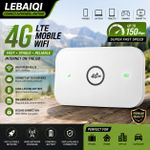
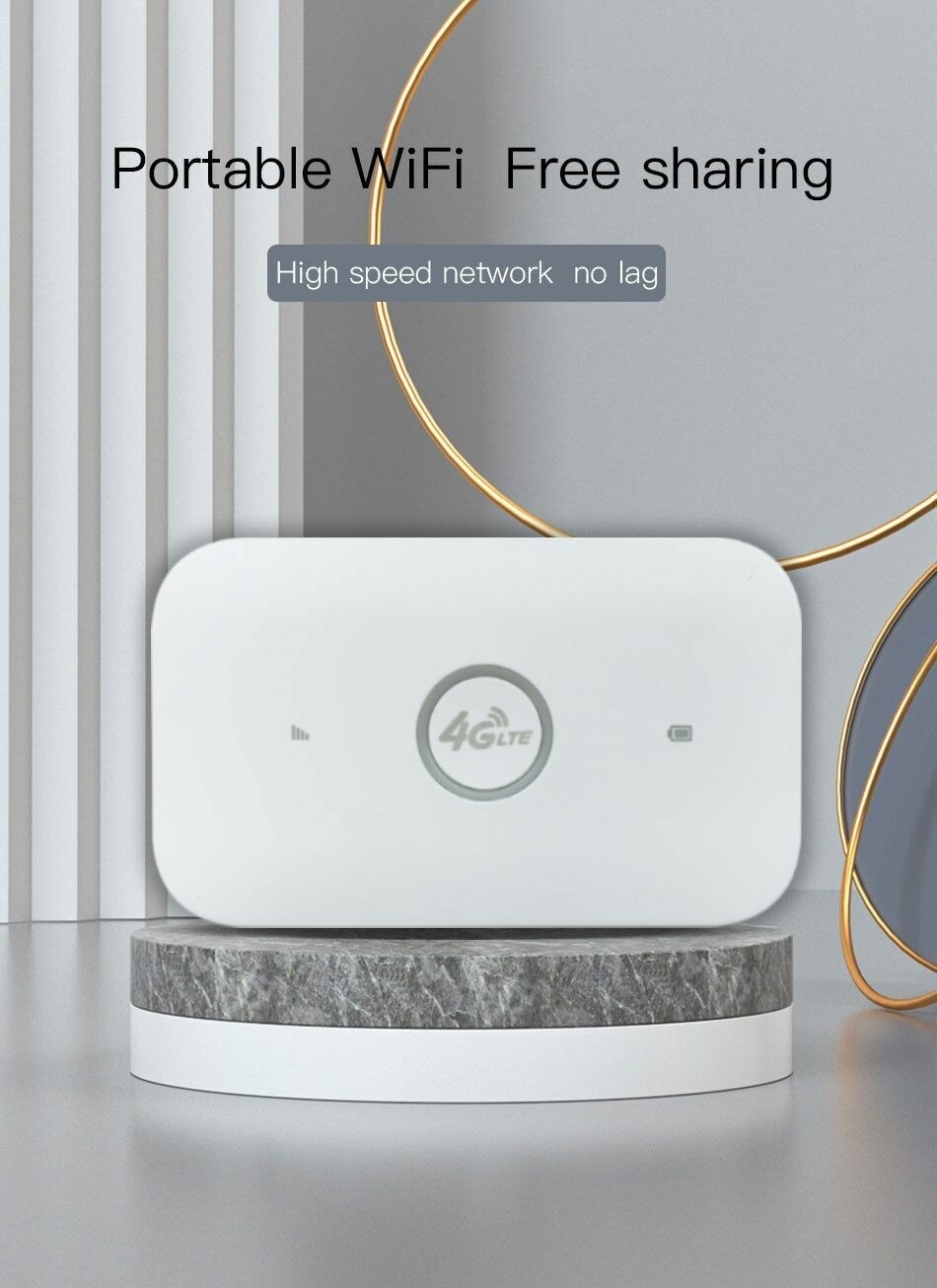
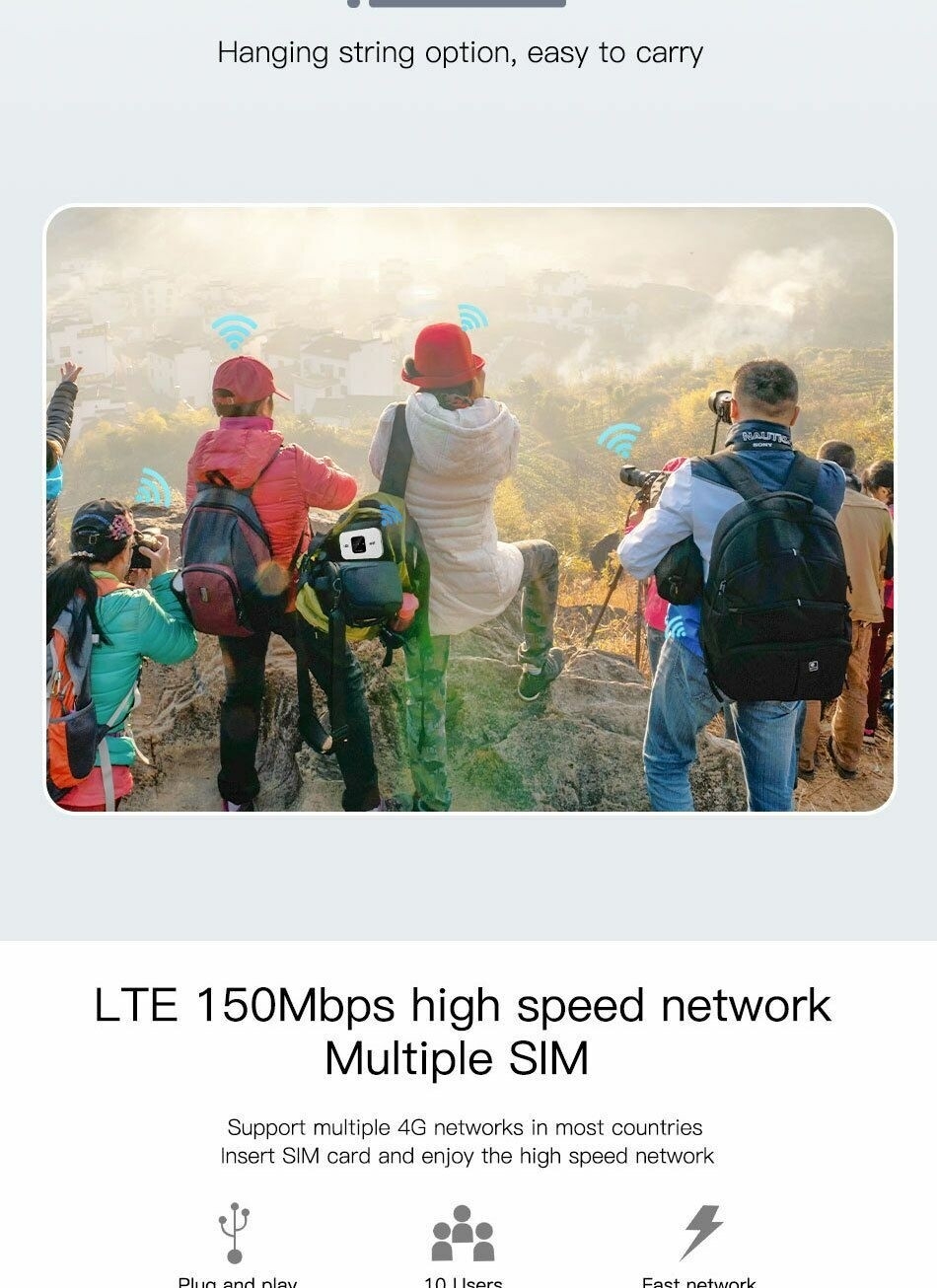
This is a pocket-sized 4G LTE WiFi router with a built-in rechargeable lithium battery. It supports up to 8 WiFi users and uses a large-size SIM card (compatible with Micro and Nano SIM cards).
This MiFi device does not include a SIM card. Users must purchase a SIM card from their local carrier to use this device.
This device offers high-speed 4G LTE WiFi connectivity, supports up to 8 simultaneous WiFi users, and can be used as a USB modem for Windows PCs.
This WiFi router also supports 3G and 4G networks.
Tablets, laptops, desktops, MacBooks, mobile phones, and a wide variety of other WiFi devices can connect to this 4G WiFi router for internet access.
Product Features
High-speed LTE chipset, supporting TDD-LTE/FDD-LTE/UMTS networks
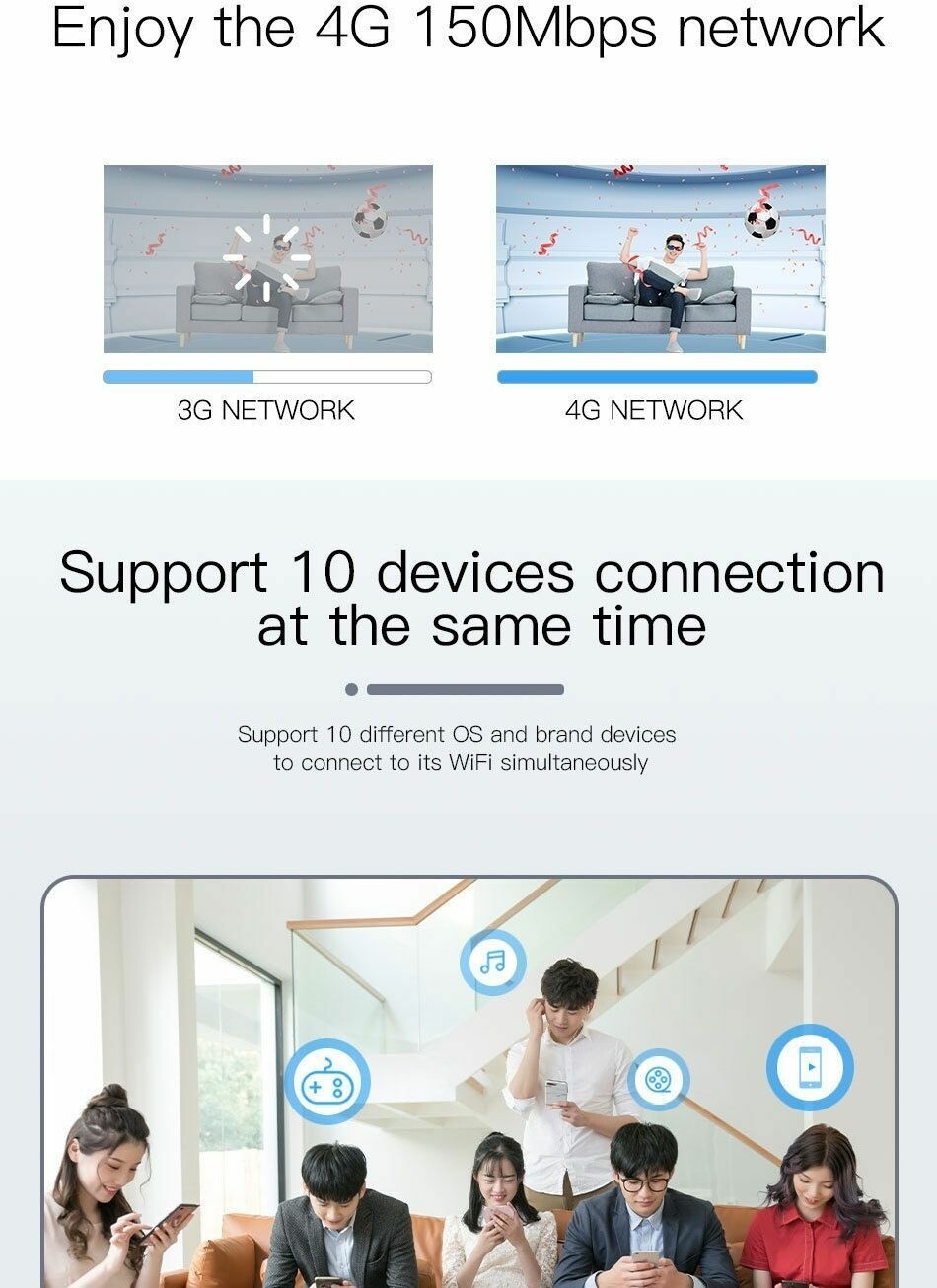
Supports up to 8 WiFi users
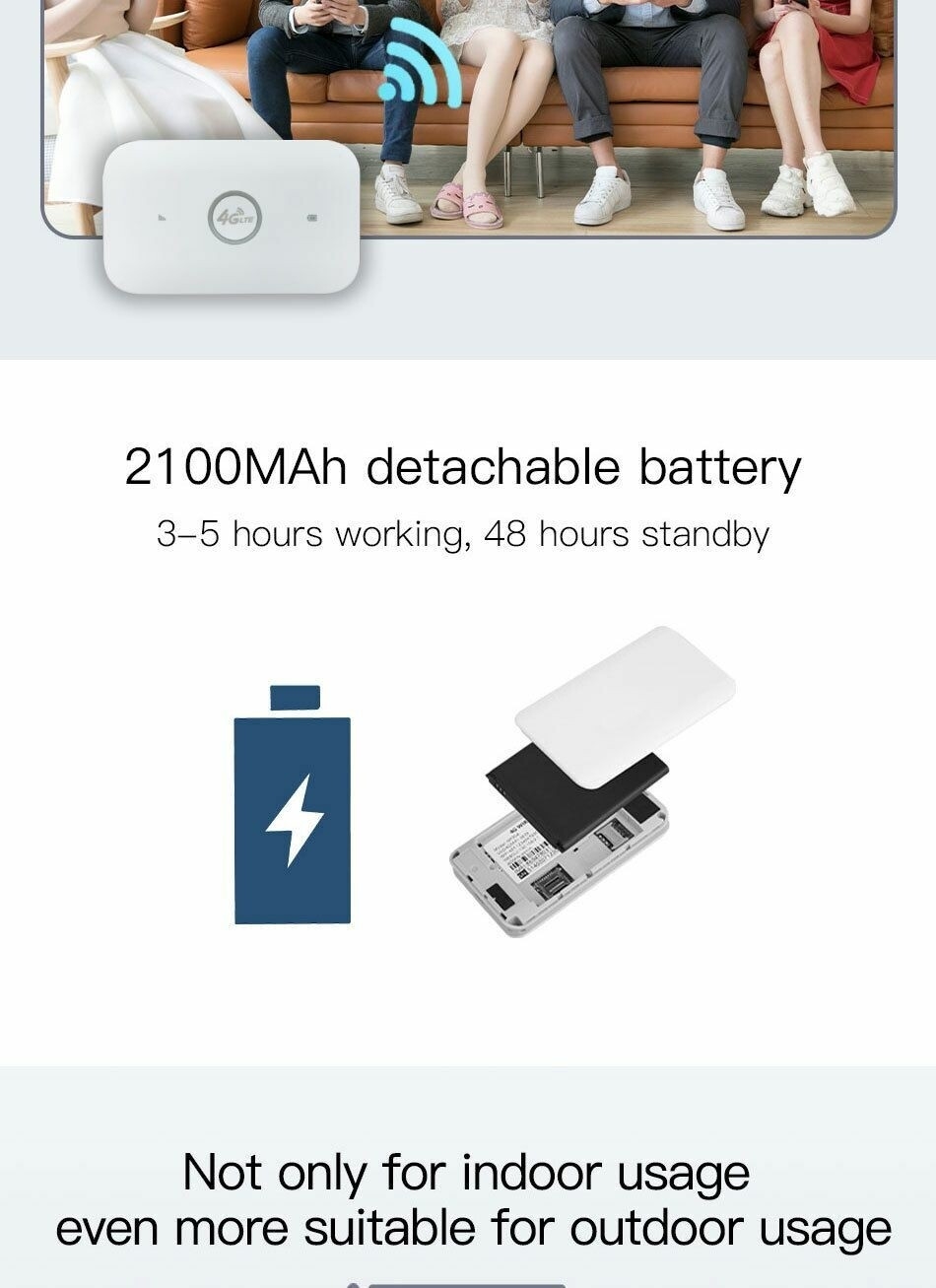
High-capacity rechargeable lithium battery
Compact and portable WiFi hotspot
Can be used as a USB modem for Windows PCs
Troubleshooting No Network:
1. Check if the SIM card is inserted correctly: The correct way to insert the SIM card is with the chip facing down. One end of the SIM card should be completely straight, and the other end should be at an angle. Please insert the card into the card slot using the straight end.
2. If inserting the SIM card is successful, you may need to wait a short while (about 1 minute) before first use, as the device needs to register with the network. Therefore, the initial speed will be slightly slower, but it will become very fast within 30 seconds.
3. Adding an APN: Network settings may vary between SIM card providers, so you may need to manually add an APN. You can obtain APN information from your SIM card provider. The steps to add an APN are as follows: (1) Insert the SIM card into the device and power it on; (2) Connect your phone or computer to the device's Wi-Fi network; (3) Open the IP address bar, log in to the backend, find the APN settings, click "Add," add the required APN for the SIM card, and then save.
4. You can try replacing the SIM card to see if the problem lies with the SIM card itself, or try using it in other locations to see if the signal is weaker in the current location.
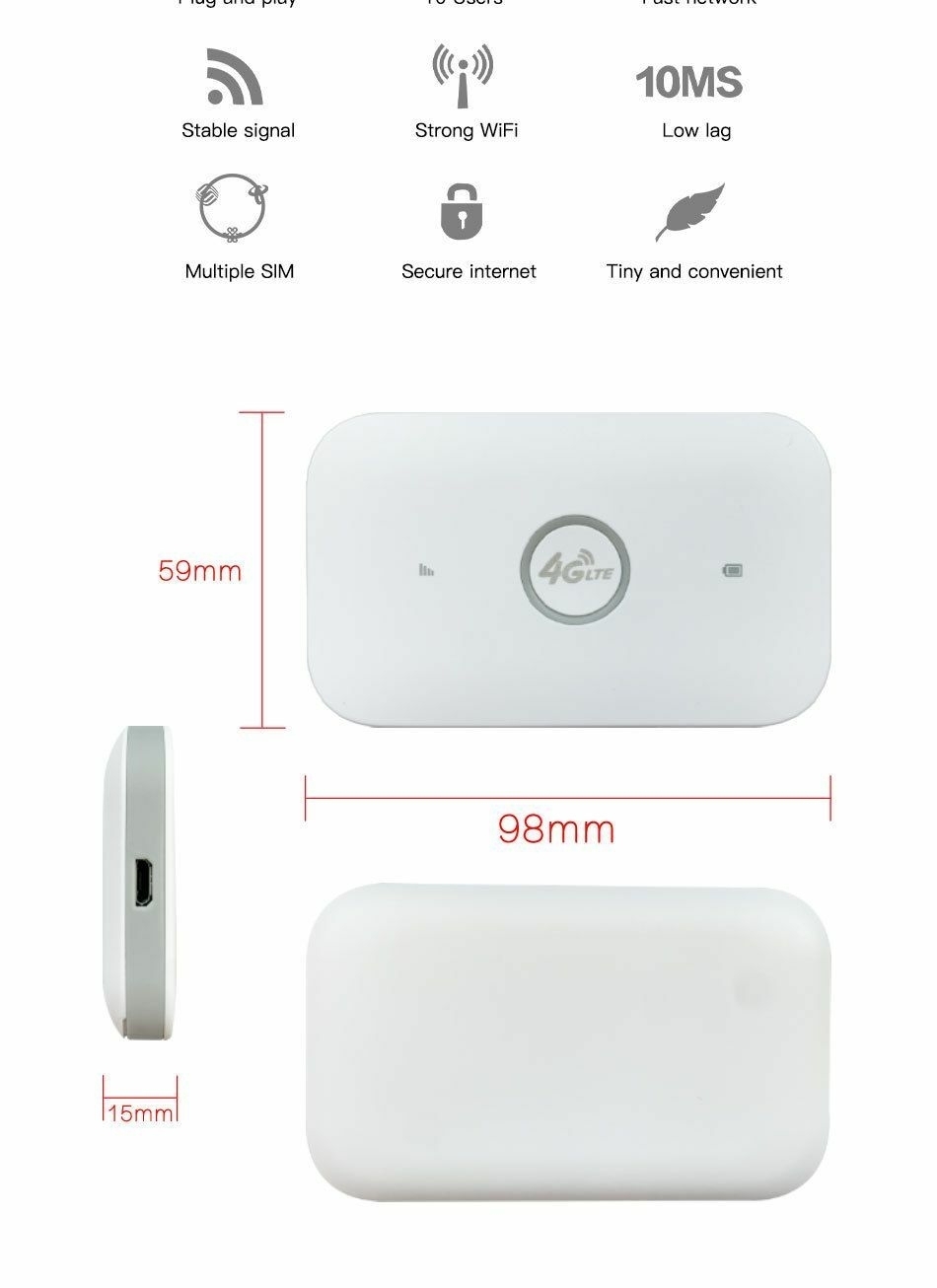
High-speed LTE chipset, supports TDD-LTE/FDD-LTE/UMTS networks
Up to 8 WiFi users
Large rechargeable lithium battery
Small pocket-sized WiFi hotspot
USB modem for Windows computers
1X Portable 4G router with SIM card slot
2 verified ratings

Customers who have bought this product have not yet posted comments