This website uses cookies
This website uses cookies. For further information on how we use cookies you can read our Privacy and Cookie notice

This website uses cookies. For further information on how we use cookies you can read our Privacy and Cookie notice
/product/96/8616003/1.jpg?9667)
/product/96/8616003/2.jpg?9667)
/product/96/8616003/3.jpg?9667)
/product/96/8616003/4.jpg?3866)
/product/96/8616003/5.jpg?9667)
/product/96/8616003/6.jpg?1797)
/product/96/8616003/7.jpg?9667)
/product/96/8616003/8.jpg?9667)
Few units left

Enjoy fast delivery in main cities
Free return within 15 days for all eligible items.Details
InnovTrust-COD
92%Seller Score
352 Followers
Shipping speed: Excellent
Quality Score: Excellent
Customer Rating: Average
Cancellation Rate: Excellent
Text version instructions
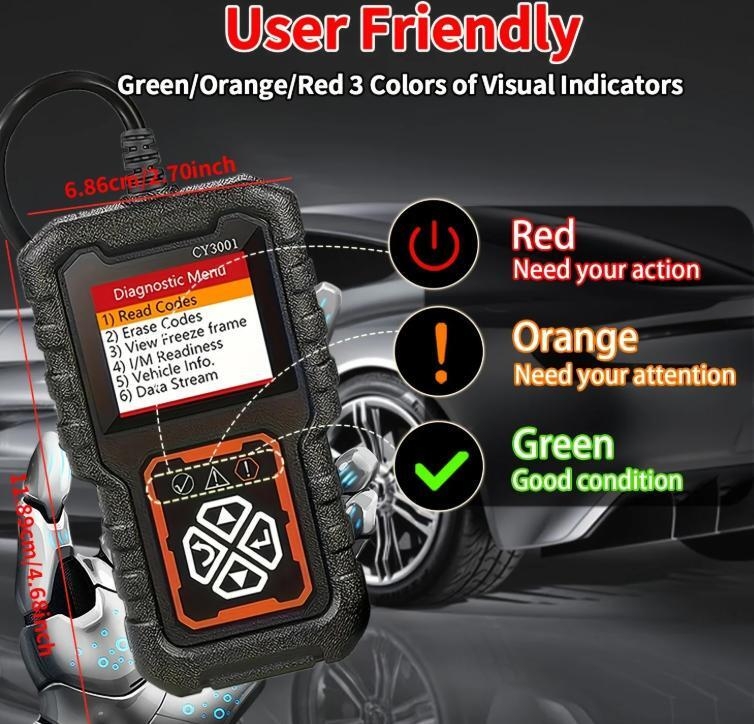
Step 1: Locate the OBD2 port on your car.
99% of car OBD2 ports are located below the steering wheel (above the brake pedal) or near the driver's knees.
Step 2: Connect the device.
Turn off the ignition switch (do not turn the key).
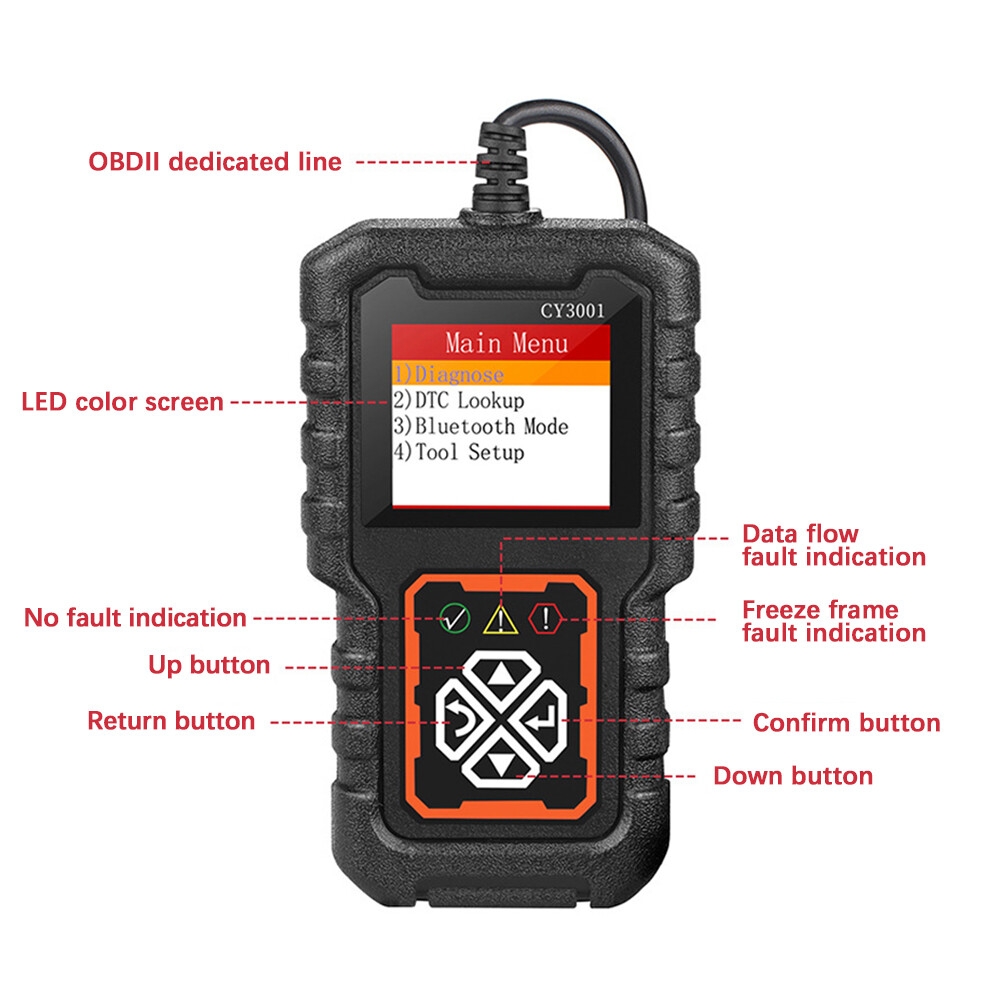
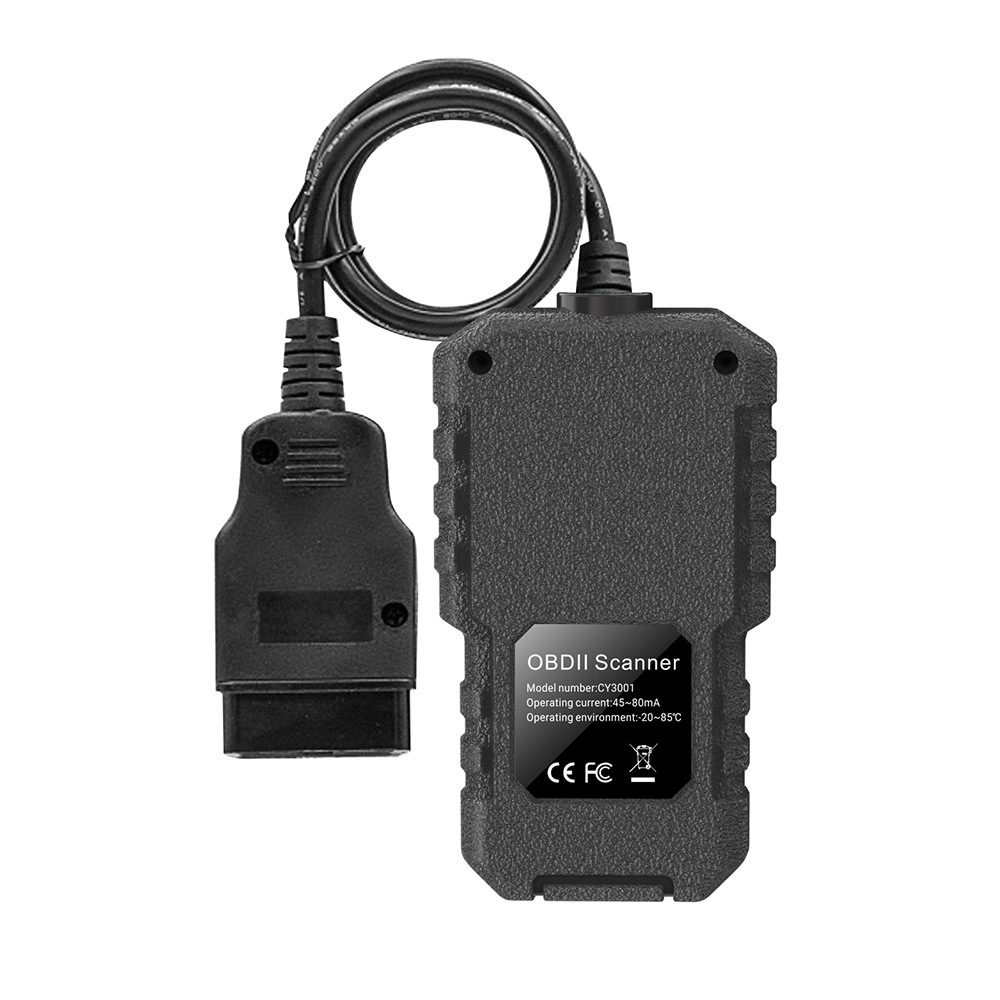
Plug the d-iagnostic tool into the OBD2 port you just located.
Turn the ignition switch on (turn the key to the ON position, do not start the engine; the dashboard lights should illuminate).
Note: The d-iagnostic tool screen will automatically light up at this point. If it does not light up, it means the car's OBD port has no power (the c-igarette l-ighter fuse may be blown).
Step 3: Read fault codes.
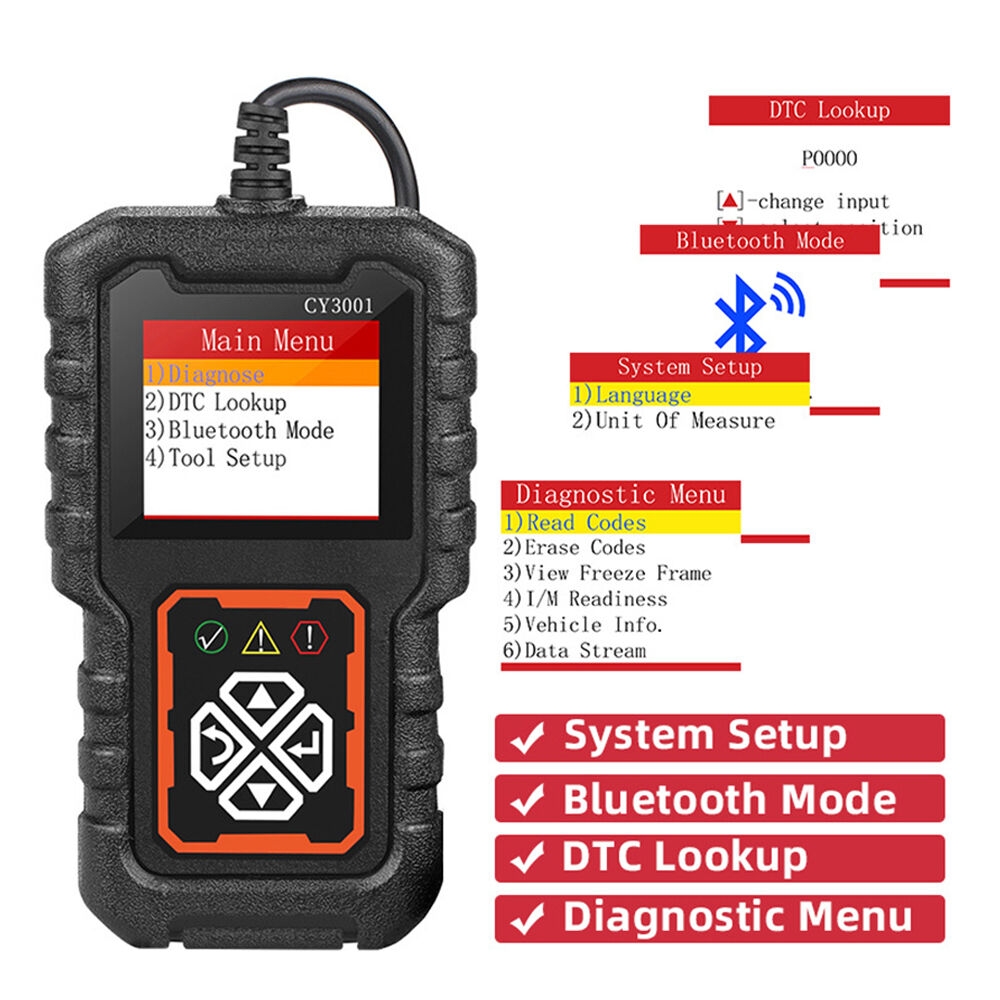
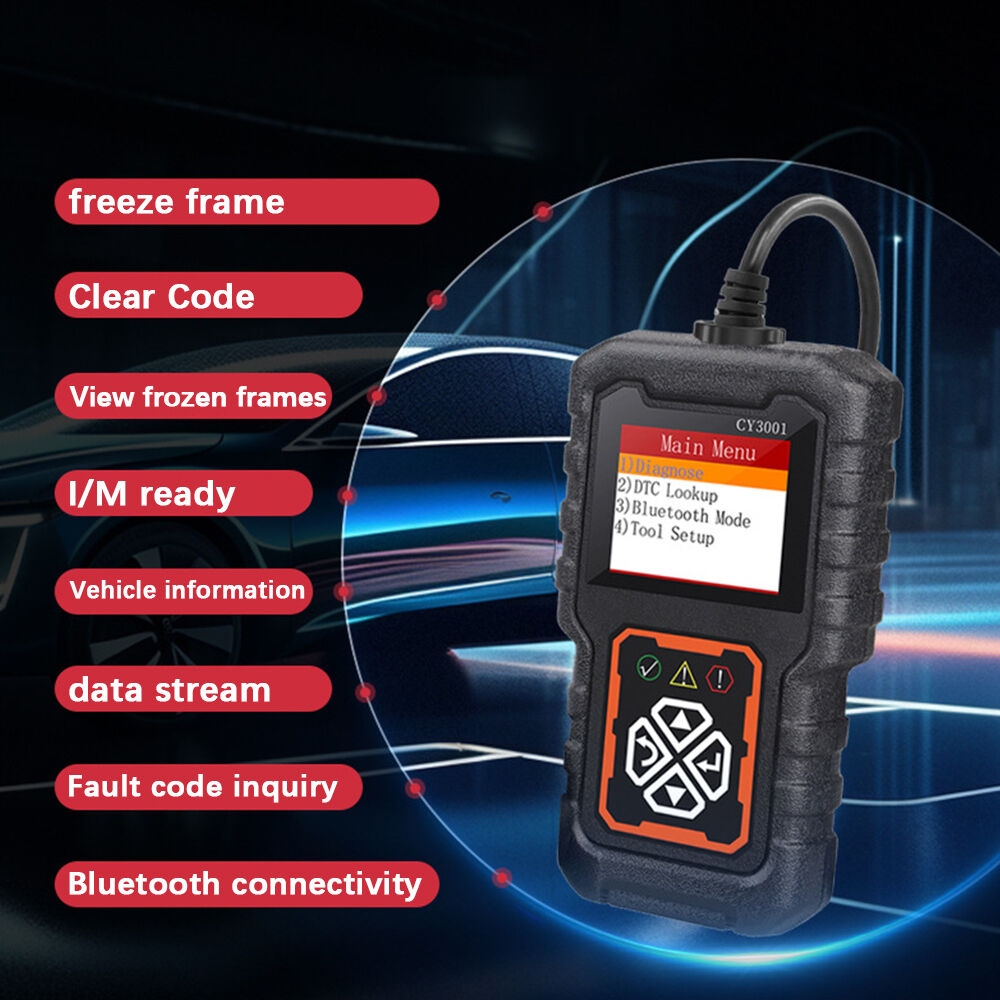
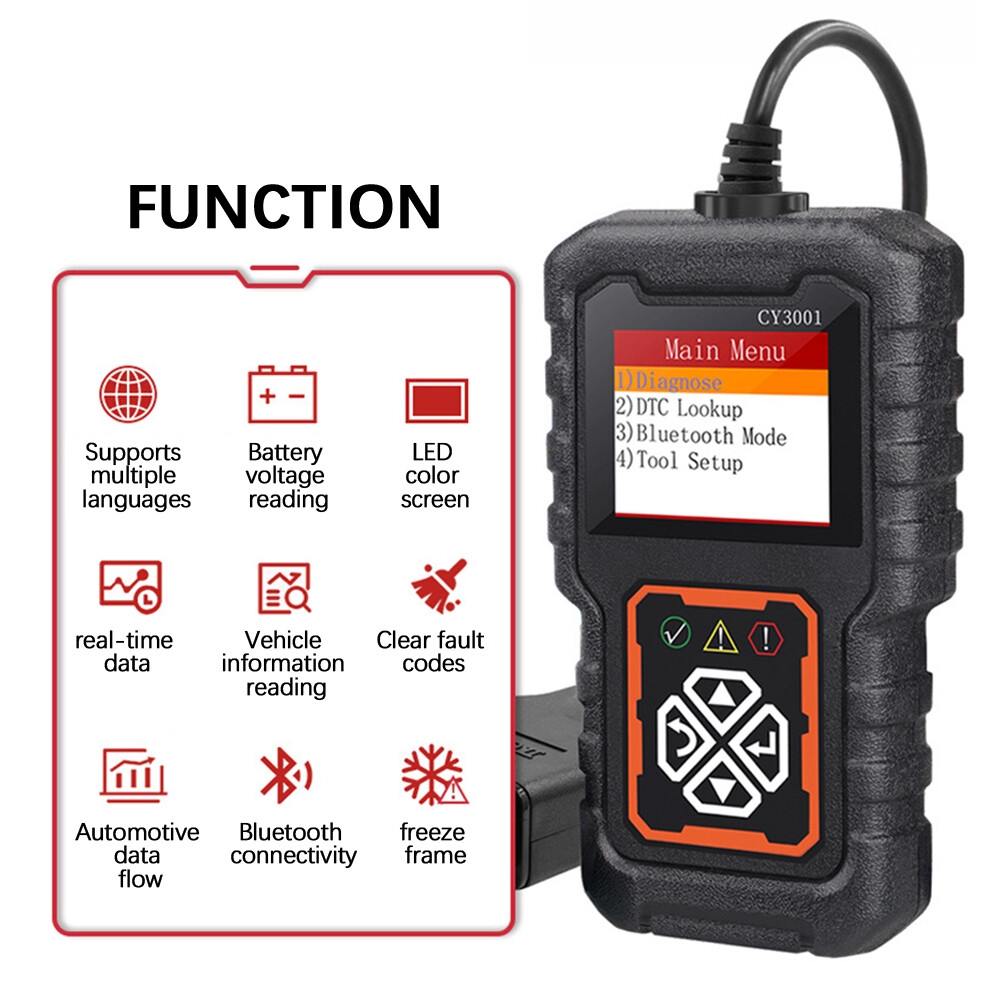
After the screen lights up, press any key to enter the menu.
Select "Read Code" and then press the OK key.
The device will begin communication; the code will be displayed on the screen after a few seconds.
Step 4: Look up the fault code meaning.
The screen will directly display the text description (in English).
Step 5: Clear Codes
After fixing the problem, or to confirm whether the warning light is a false alarm, select Erase Codes.
Warning: After clearing the codes, the vehicle needs to be driven for a few days (completing a driving cycle) to restore its inspection-ready status. Please proceed with caution.
Step 6: View Real-Time Data
Select Live Data to view engine speed, coolant temperature, intake air temperature, etc..
1 X Launch CR3001 Scan Tool
2 verified ratings
Discard it
/product/96/8616003/1.jpg?9667)