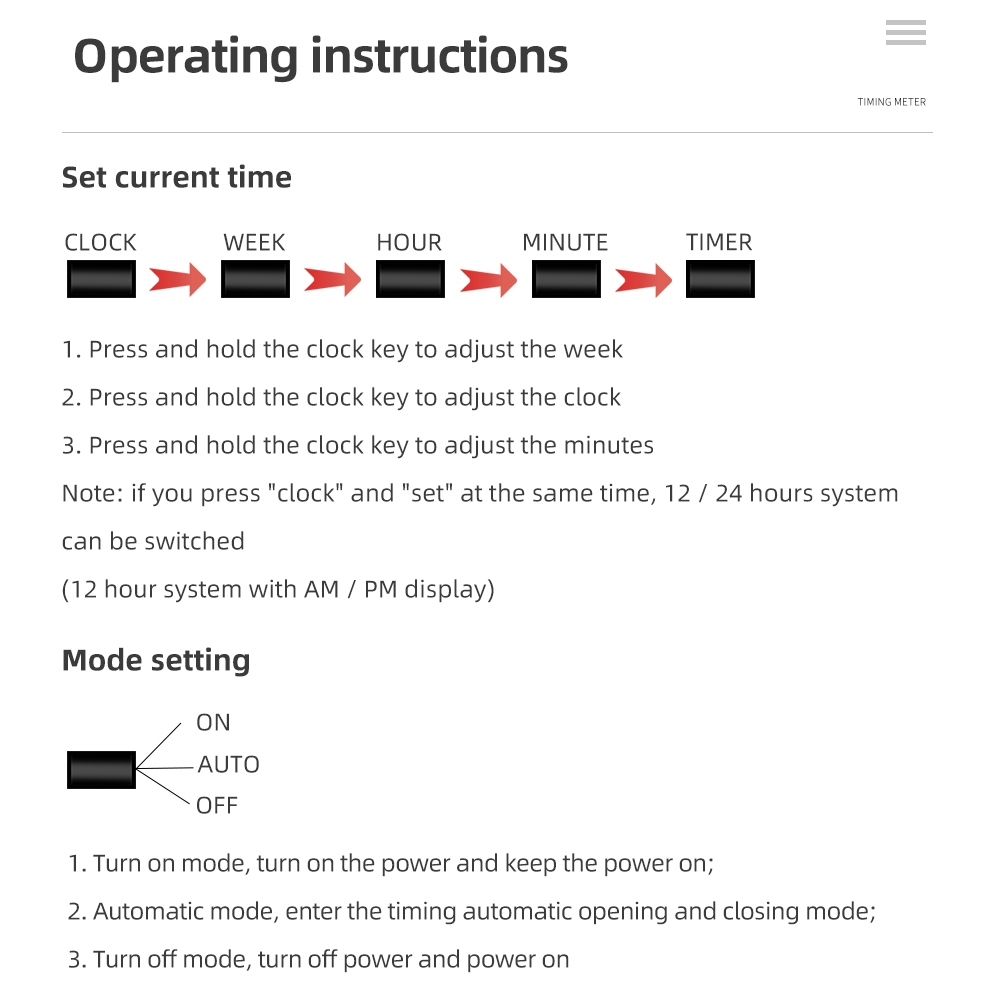
1. Press and release the timer button. The timing result will be displayed on the screen.
2. Press the weekday button to set the date or date range, press the hour button to set the time, and then press the minute button to set the time.
3. Press the "Timer" button again to complete the initial setup. "1 Off" will not be displayed on the screen.
4. Press the weekday button to set the date or date range, set the time, press the hour button, and then press the minute button. One set of setting options.
5. Repeat steps 2, 3, and 4 to set other parameters.
6. After setting, press the clock button to start the timer.
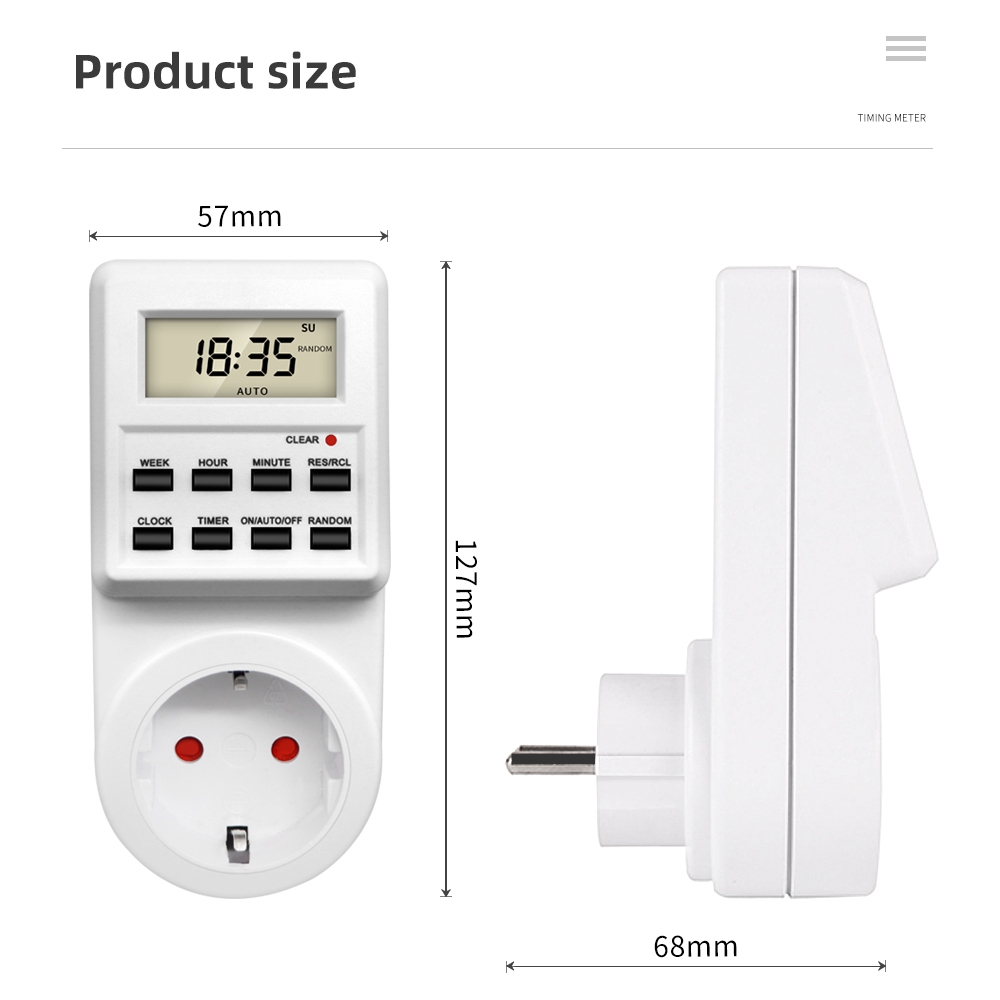
Specifications
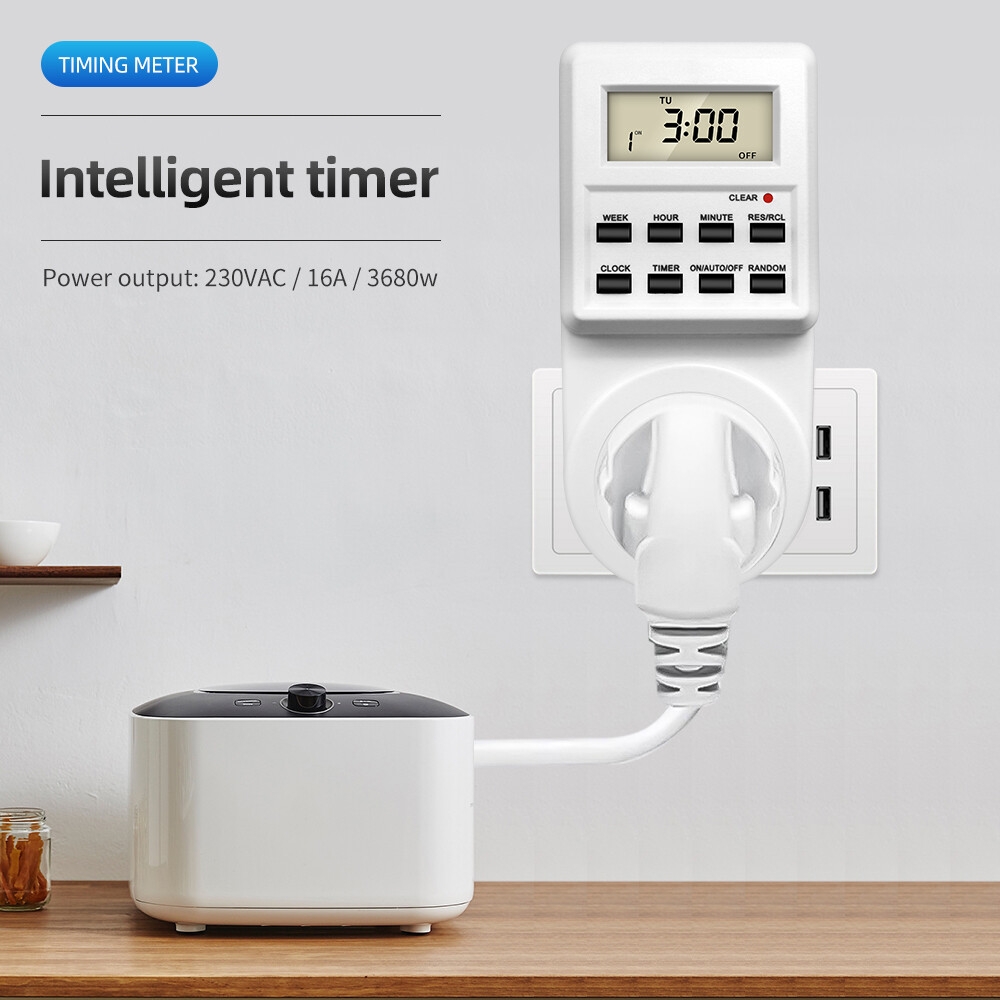
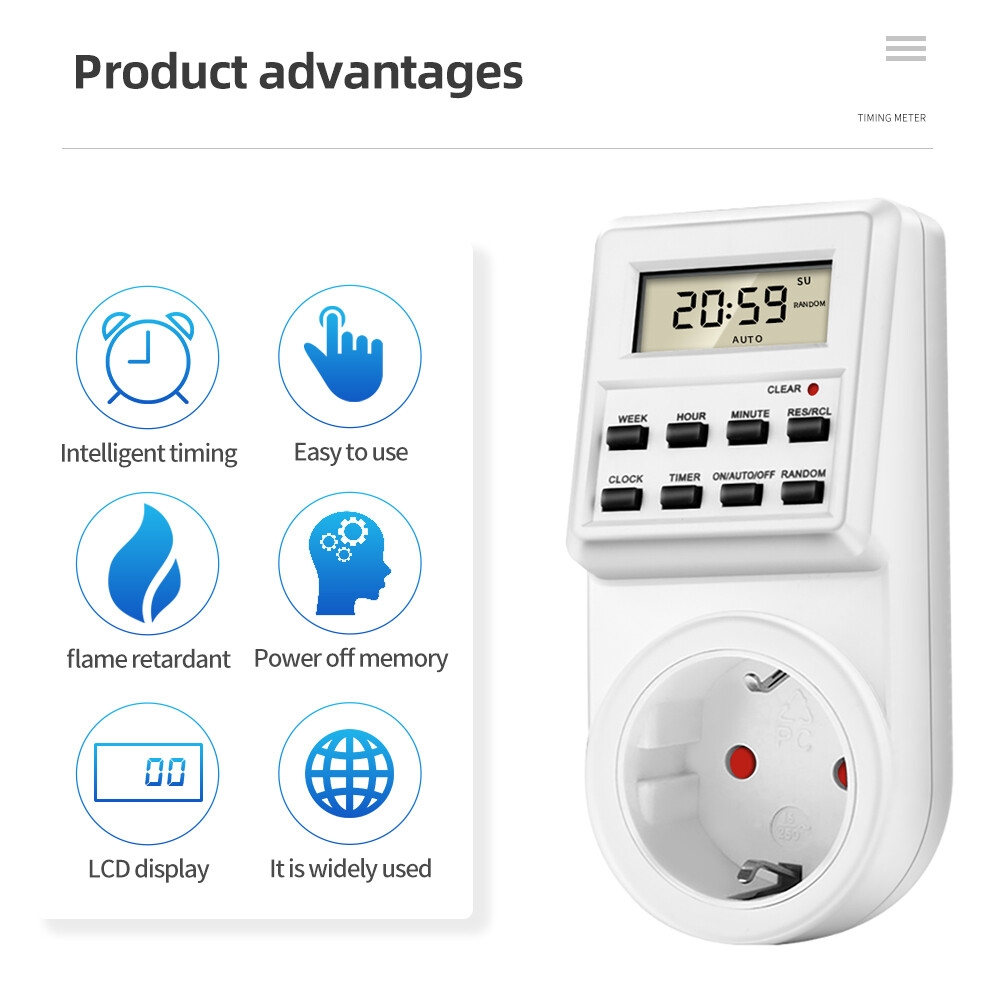
Key Features
12/24-hour shift system.
Program 10 On/Off
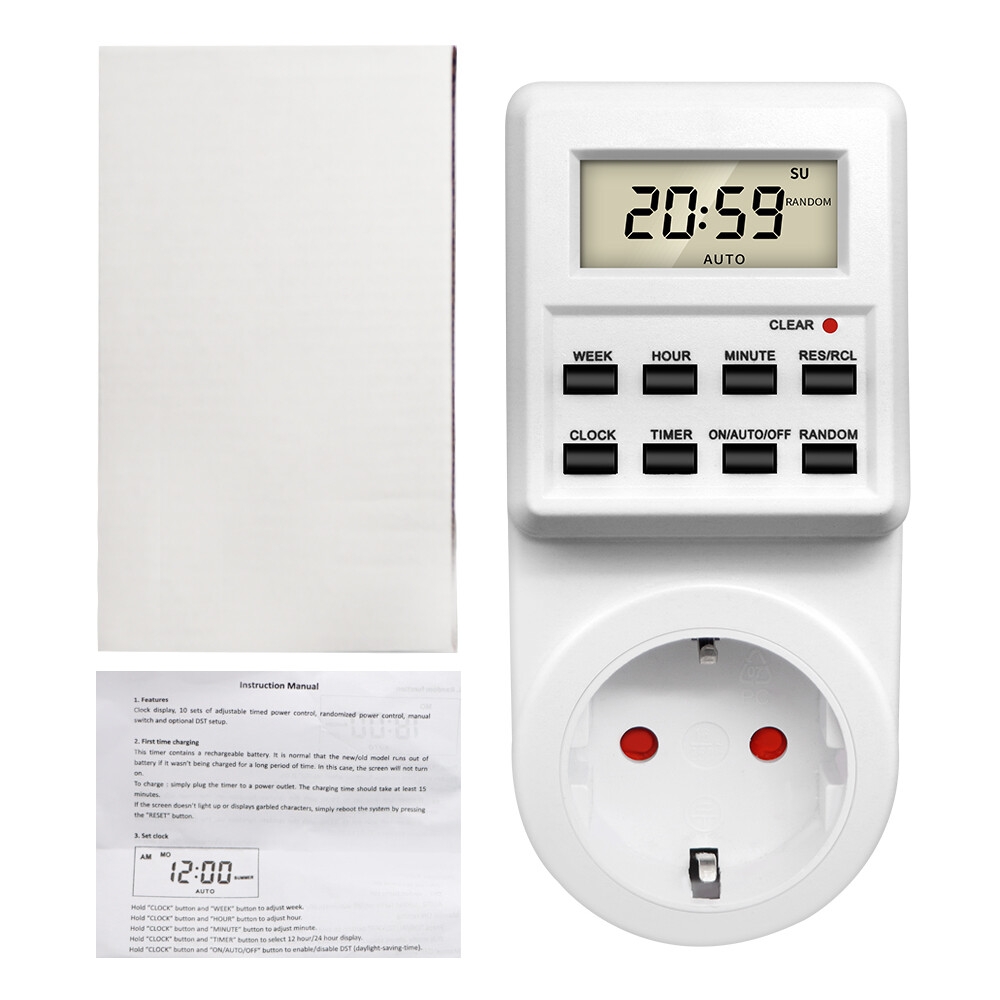
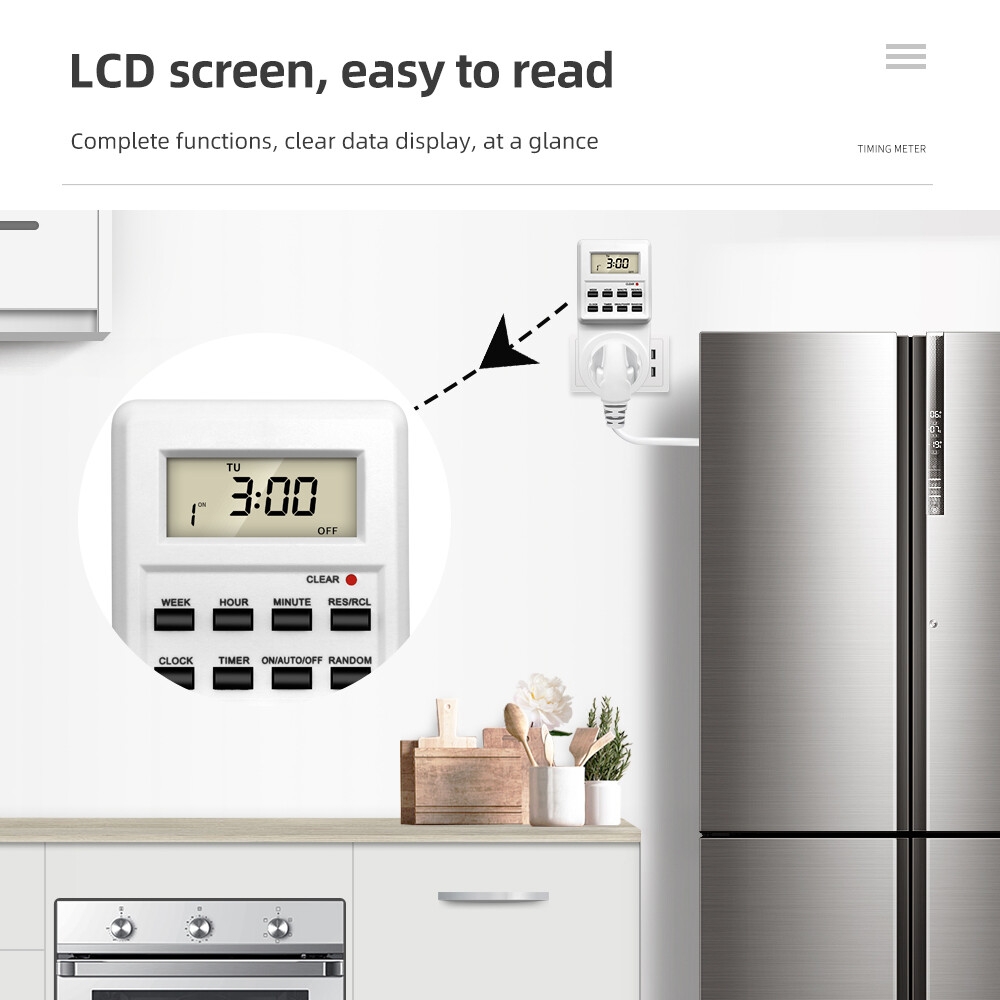
8 control buttons.
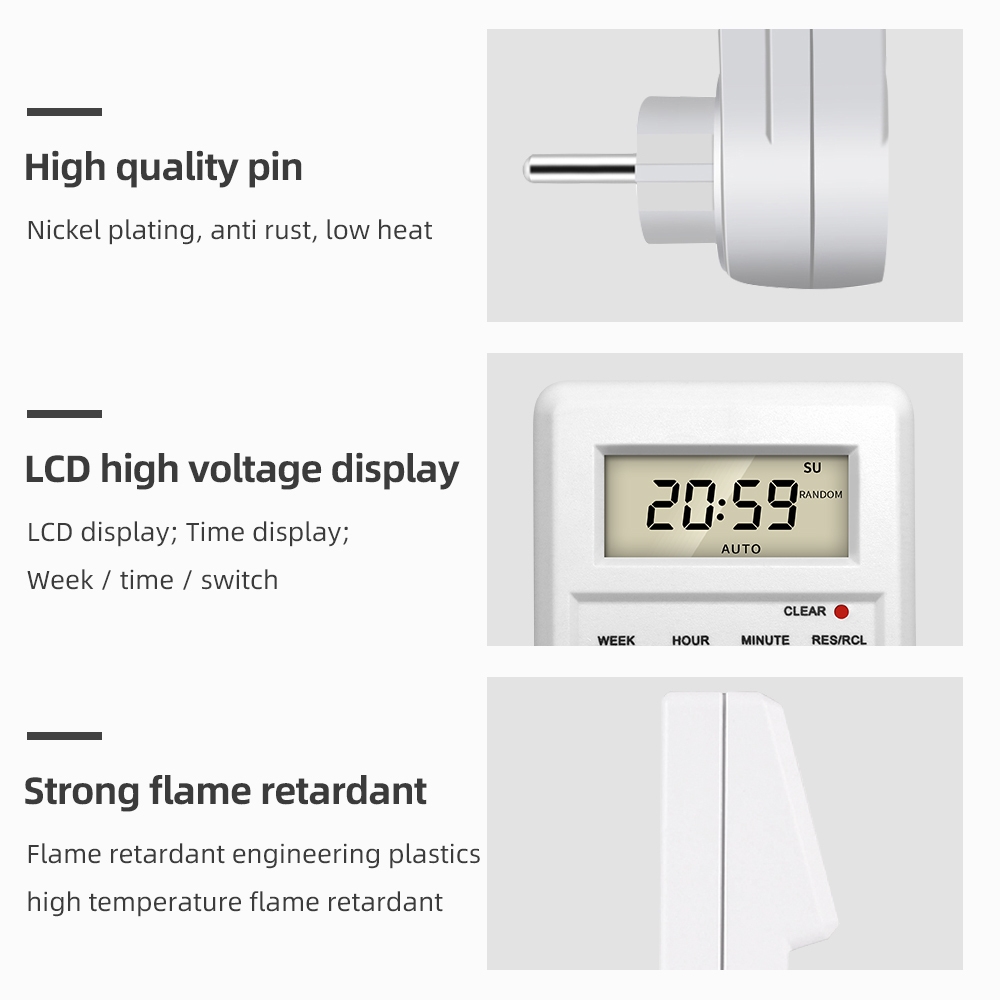
LCD display for easy and accurate data reading.
Time settings include hour, minute, and week.
Features rand*om function and daylight saving time adjustment function.
Built-in accumulator for program storage.
High accuracy and strong anti-interference capability.

/product/39/4006003/1.jpg?5252)
/product/39/4006003/2.jpg?0335)
/product/39/4006003/3.jpg?0335)
/product/39/4006003/4.jpg?0335)
/product/39/4006003/5.jpg?0335)
/product/39/4006003/6.jpg?0335)
/product/39/4006003/7.jpg?0335)
/product/39/4006003/8.jpg?0335)




/product/39/4006003/1.jpg?5252)