This website uses cookies
This website uses cookies. For further information on how we use cookies you can read our Privacy and Cookie notice

This website uses cookies. For further information on how we use cookies you can read our Privacy and Cookie notice
/product/52/2697003/1.jpg?4394)
/product/52/2697003/2.jpg?4394)
/product/52/2697003/3.jpg?4394)
/product/52/2697003/4.jpg?4394)
/product/52/2697003/5.jpg?4394)
/product/52/2697003/6.jpg?4394)
/product/52/2697003/7.jpg?4394)
/product/52/2697003/8.jpg?4395)

Enjoy fast delivery in main cities
Free return within 15 days for all eligible items.Details
Likesuns-COD
100%Seller Score
3 Followers
Shipping speed: Excellent
Quality Score: Excellent
Cancellation Rate: Excellent

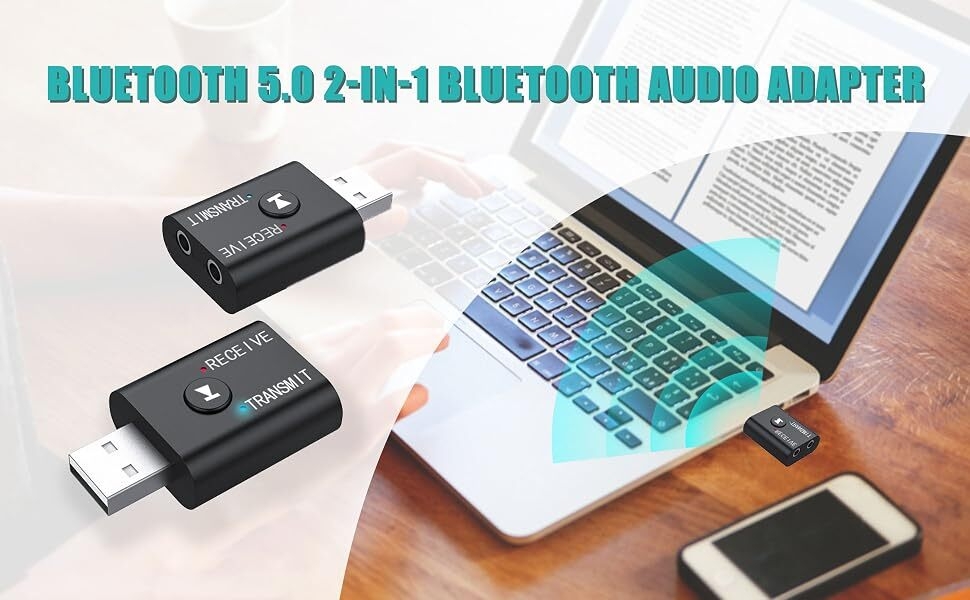

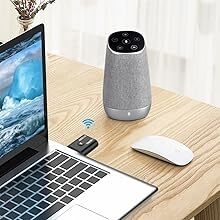
Computer connected Bluetooth speaker/headset
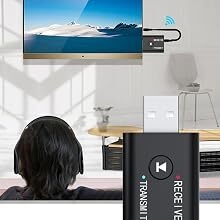
TV connected Bluetooth headset
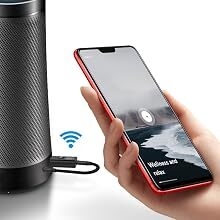
Mobile phone connected to the sound/headset
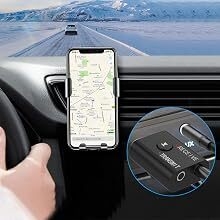
Car into a Bluetooth
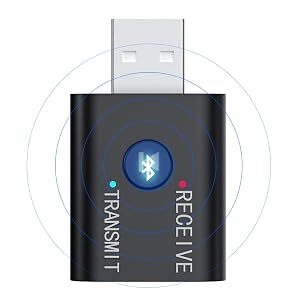
Driver-free, plug and play
Bluetooth fast matching connection, more convenient to use.
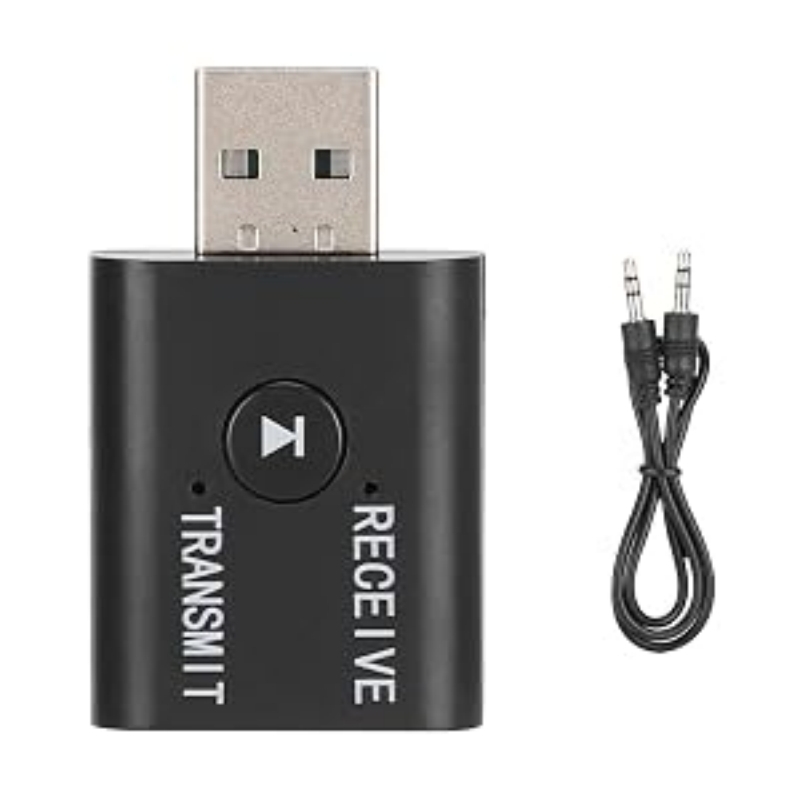
Model: YET-TR6
Color: As Pictures Shown
Support Music Transmission/Reception
Technical: AD2P
Version: BT5.0 + EDR
Working Range: 8-10m(Without Any Obstacles)
Matching Name(Receiver Mode): YET-TR6
Size: Approx. 42x25x10mm/1.65x0.98x0.39inch
Using instructions:
Transmission/reception mode switching
Audio cable insertion line TRANSMTT hole in transmission mode, blue LED
Audio cable inserted into the RECEIVE hole in the receiving mode, red LED
USB insert computer transferring
✅Bluetooth 5.0 adapter, transmit/receive 2 in 1, powerful function bluetooth adapter, with built-in bluetooth 5.0 dual system, independent circuit designed, more powerful performance, can transmit and receive bluetooth at the same time.
⭐Many application scenarios, receiving mode, mobile phone connected to bluetooth speaker, car speaker and other bluetooth devices, startup mode, bluetooth earphone, connected to computer, TV, projector and other bluetooth speakers, through 3.5mm plug conn
????Smart bluetooth 5.0 chip, distance can achieve 15m, faster and more stable, lower power consumption listening to music can not jam, Hi-Fi sound quality.
????Using receiving function: 1. Insert the equipment into the USB power port (5V USB interface), the equipment will automatically turn on, the equipment will light up in red and flash quickly, that is, enter the Bluetooth connection state. 2. Plug the 3.5mm
????Using start function: 1. Plug the equipment into a USB port (such as a USB charging port on a TV, computer, or mobile phone charger), the equipment will automatically turn on, the equipment will light blue and flash quickly, that is, enter the Bluetooth

This product has no ratings yet.
/product/52/2697003/1.jpg?4394)